


 Contact Us
 Appliances
 Agri Inputs
 Auto Components & Accessories
 Beauty & Personal Care
 Electronics
 Fashion
 Grocery
 Gift Cards
 Home & kitchen
 Health & Wellness
 Vehicles & Automotives
 Books & Stationary
 Pet Care
 Toys & Games
Shopify WhatsApp Commerce Integration: 10 Questions to Ask Before You Start
WhatsApp Commerce
Key Takeaways
- Shopify WhatsApp integration helps businesses connect with customers, showcase products, and manage conversations directly through WhatsApp.
- WhatsApp commerce can support product discovery, customer enquiries, cart recovery, order confirmations, and shipping updates.
- A connected platform can help Shopify sellers manage WhatsApp, product data, inventory, orders, and other sales channels from one place.
- Mystore provides tools for WhatsApp selling, automation, customer communication, and fulfilment as businesses scale.
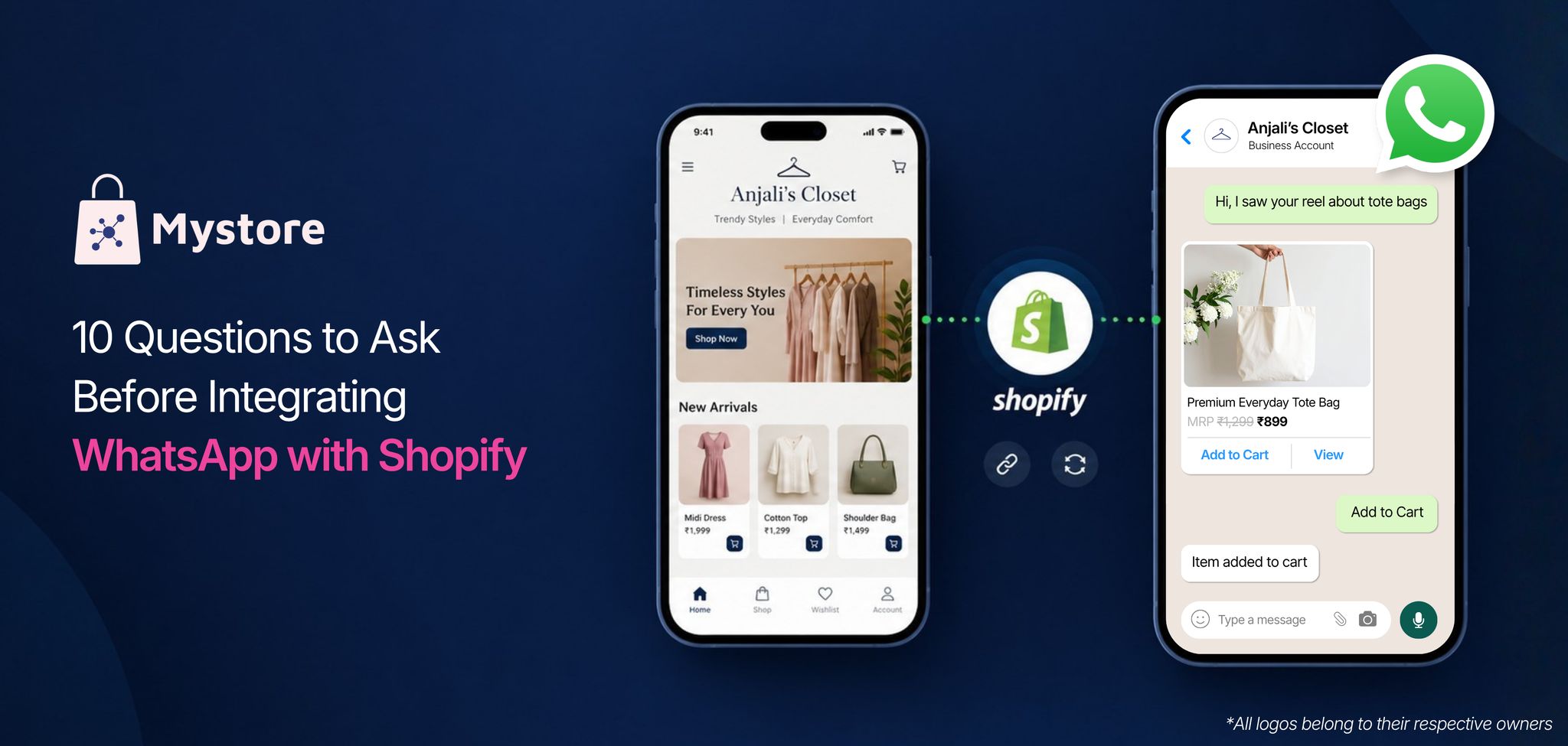
WhatsApp commerce can help Shopify sellers connect with customers, showcase products, and drive sales through a channel they already use every day. But simply connecting WhatsApp with your Shopify store is only the starting point. As orders and customer conversations grow, sellers also need to think about catalogue updates, inventory, abandoned carts, order notifications, and customer support.
This is where the right WhatsApp integration becomes important. Instead of treating WhatsApp as just another messaging channel, Shopify sellers can use it as part of a connected commerce setup that brings selling, customer communication, and order management together.
Let’s explore 10 important questions to help you understand what a Shopify WhatsApp integration can offer, what to check before getting started, and how Mystore can help you manage WhatsApp alongside your other ecommerce channels.
Table of Contents
- How WhatsApp Commerce Is Driving Ecommerce Growth in India
- 10 Questions to Ask Before Integrating Your Shopify Store in India to WhatsApp Commerce
- 1. Can I integrate WhatsApp with my Shopify store in India?
- 2. How can I start selling products through WhatsApp after Shopify WhatsApp integration?
- 3. Can I use WhatsApp commerce to sell products directly to customers?
- 4. How can I keep product details and inventory updated across Shopify and WhatsApp commerce channel?
- 5. Can I manage customer enquiries and orders through WhatsApp ecommerce?
- 6. Can Shopify WhatsApp integration help recover abandoned carts?
- 7. Can I automate order confirmations and shipping updates on WhatsApp commerce?
- 8. Can WhatsApp Commerce Support AI-Powered Shopping and Customer Support?
- 9. How can I manage WhatsApp commerce channel alongside my other ecommerce channels?
- 10. What should I look for in a WhatsApp commerce platform as my business grows?
- Stepwise Process for Shopify WhatsApp Commerce Store Integration
- Conclusion
How WhatsApp Commerce Is Driving Ecommerce Growth in India
Indian shoppers are increasingly using WhatsApp commerce to explore products, ask questions, and connect with brands before making a purchase. For ecommerce businesses, this growing shift towards conversational shopping opens up new opportunities to reach potential buyers, turn enquiries into orders, and stay connected with customers through personalised conversations.
Here are the latest statistics highlighting the growing role of WhatsApp commerce in India's ecommerce landscape.

- 60%+ of WhatsApp users in India message a business account
- 72% of product discovery happens on WhatsApp
- ~60% of users are likely to buy after seeing an offer on WhatsApp
- 61% higher ROAS through Click-to-WhatsApp campaigns
- 62% average increase in leads generated through WhatsApp
- 22% higher order values through WhatsApp
- 91% of conversational AI interactions happened on WhatsApp
Sources: Meta, Meta + Retailers Association of India, 2026, Infobip
What this means for ecommerce businesses: WhatsApp is no longer just a customer communication channel. It can support product discovery, promotional campaigns, purchase decisions, and customer support throughout the buying journey. AI-powered conversations can further help businesses manage customer interactions at scale.
For Shopify sellers planning to integrate WhatsApp with Shopify, the focus should be on choosing a WhatsApp commerce solution that connects customer conversations with product discovery, marketing campaigns, order updates, and sales workflows. This helps businesses make WhatsApp a more connected part of their overall ecommerce strategy.
10 Questions to Ask Before Integrating Your Shopify Store in India to WhatsApp Commerce
Integrating WhatsApp with your Shopify store in India can help you do more than answer customer queries. It gives your brand another sales channel where customers can discover products, get quick answers, and shop through conversations. Before integrating your Shopify store with WhatsApp Commerce, here are 10 important questions to consider:
1. Can I integrate WhatsApp with my Shopify store in India?
Yes, you can integrate WhatsApp with Shopify using WhatsApp Business apps, third-party integrations, or WhatsApp Business Platform solutions. Depending on the integration you choose, you can connect your product catalogue, manage customer enquiries, share product details, send order updates, and automate customer communication.
The features available depend on the integration you choose. While basic integrations support customer communication and notifications, more advanced solutions can offer product catalogue synchronisation, automated messaging, order management, and conversational shopping.
2. How can I start selling products through WhatsApp after Shopify WhatsApp integration?
You can start selling through WhatsApp commerce by first setting up a WhatsApp Business account and connecting it to your Shopify store through a compatible integration. Once connected, sync your product catalogue and start sharing products with customers directly on WhatsApp.
Depending on your setup, customers can place orders through WhatsApp or complete their purchases using checkout links. For automated selling and more advanced order management, you may need a WhatsApp Business Platform solution.
3. Can I use WhatsApp commerce to sell products directly to customers?
Yes, WhatsApp commerce allows businesses to engage with customers, showcase products, and accept purchase requests through WhatsApp. You can share product catalogues, offer personalised recommendations, answer product-related questions, and help customers place orders.
Depending on the solution you choose, you can direct customers to your Shopify store to complete their purchases or share payment links through WhatsApp. Sending customers to your website can be a better option, as they get a chance to browse more products, discover items they might like, and explore your offerings before placing an order.
4. How can I keep product details and inventory updated across Shopify and WhatsApp commerce channel?
You can keep product details and inventory updated across Shopify and your WhatsApp commerce channel using an integration that supports catalogue and inventory synchronisation. This helps ensure that customers see accurate product information, prices, and availability across both channels.
However, if you sell through multiple channels, managing separate integrations can become time-consuming. Mystore allows Shopify sellers to sync products, inventory, prices, and orders with Mystore and use the connected catalogue across WhatsApp, their Mystore storefront, ONDC Network buyer apps, and other supported channels.
5. Can I manage customer enquiries and orders through WhatsApp ecommerce?
Yes, WhatsApp ecommerce solutions enable businesses to manage customer enquiries, share product information, answer frequently asked questions, and assist customers with their orders through WhatsApp. Depending on the integration, you can also use automated responses, chatbots, shared team inboxes, and order management tools.
Before choosing a solution, check whether it can connect customer conversations with your Shopify orders, provide order status information, and support multiple customer service agents as your business grows.
6. Can Shopify WhatsApp integration help recover abandoned carts?
Yes, Shopify WhatsApp integration can help recover abandoned carts by sending automated reminders to customers who leave products in their carts without completing their purchases. Depending on the integration, these messages can include product details, checkout links, personalised offers, and discount codes to encourage customers to complete their orders.
However, abandoned cart recovery depends on the customer's available contact details, applicable WhatsApp opt-in requirements, and the automation features supported by your integration.
7. Can I automate order confirmations and shipping updates on WhatsApp commerce?
Yes, WhatsApp commerce solutions can automate order confirmations, payment notifications, shipping updates, delivery alerts, and other transactional messages. By connecting WhatsApp with your Shopify store and fulfilment setup, you can keep customers informed throughout their buying journey without sending every update manually.
The level of automation depends on your integration, the availability of order and shipping data, and the WhatsApp message templates approved for use.
8. Can WhatsApp Commerce Support AI-Powered Shopping and Customer Support?
Yes, WhatsApp commerce can support AI-powered shopping assistants and customer support when connected to a compatible AI-enabled commerce solution. These assistants can understand customer queries, help shoppers discover products, provide personalised recommendations, answer frequently asked questions, and guide customers through their buying journey.
For businesses looking beyond basic WhatsApp automation, Mystore offers a broader commerce solution with AI-powered product discovery, personalised recommendations, multilingual capabilities, and connected catalogue and inventory management. This helps sellers create a smoother shopping experience across WhatsApp, their own storefront, and other supported sales channels while managing their growing business from one connected ecosystem.
9. How can I manage WhatsApp commerce channel alongside my other ecommerce channels?
You can manage WhatsApp ecommerce alongside Shopify and other ecommerce channels by choosing a solution that connects your product catalogue, inventory, orders, and fulfilment operations.
Managing each channel through separate integrations can lead to repeated catalogue updates, inventory mismatches, and additional operational work as your business grows.
Mystore helps businesses manage multiple selling channels through a connected commerce ecosystem. Sellers can keep using their existing Shopify store while expanding to WhatsApp, Mystore, their own domain, and ONDC Network buyer apps. With synchronised product information, inventory, orders, and integrated logistics, businesses can manage their commerce operations without maintaining completely separate workflows for every channel.
10. What should I look for in a WhatsApp commerce platform as my business grows?
When choosing a WhatsApp commerce platform, look beyond basic messaging and product sharing. Consider catalogue and inventory synchronisation, order management, AI-powered automation, multilingual support, payment options, logistics integrations, and the ability to manage multiple sales channels.
For businesses planning to expand beyond Shopify and WhatsApp, Mystore offers a broader commerce solution with unified catalogue and inventory management, AI-powered capabilities, built-in marketing tools, integrated logistics, and omnichannel selling. This lets sellers grow across multiple channels without relying on separate integrations for every commerce operation.
Stepwise Process for Shopify WhatsApp Commerce Store Integration
Shopify sellers can get started with WhatsApp ecommerce through Mystore in a few simple steps.
Here’s how to connect your Shopify store with WhatsApp and start managing your WhatsApp sales channel:
- Step 1: Create your online storefront on Mystore and sync your Shopify products, inventory, prices, and orders with Mystore.
- Step 2: Connect your WhatsApp Business Account (WABA) with Mystore to manage customer conversations, notifications, and campaigns from one dashboard.
- Step 3: Choose from 50+ ready-made WhatsApp message templates or build a no-code chatbot to automate customer responses and common queries.
- Step 4: Let customers browse products, ask questions, add items to their cart, and proceed to checkout through WhatsApp.
- Step 5: Automate order confirmations, payment notifications, shipping updates, and delivery alerts to keep customers informed.
- Step 6: Manage customer conversations through a unified inbox, track message engagement, and monitor orders and fulfilment from the Mystore dashboard.
Conclusion
Integrating your Shopify store with WhatsApp commerce can make it easier to connect with customers, showcase products, manage conversations, and keep buyers updated throughout their purchase journey. But as your business grows, managing WhatsApp alongside your Shopify store, inventory, orders, and other sales channels can become harder to manage through separate tools.
Mystore helps sellers integrate WhatsApp with Shopify and manage their commerce operations through one connected platform. From syncing your Shopify catalogue and inventory to handling WhatsApp conversations, automated notifications, orders, and fulfilment, sellers can manage the entire selling journey from one place.
Ready to simplify your Shopify WhatsApp ecommerce setup and manage your growing sales operations from one platform?
Book your demo with Mystore now.