


 Contact Us
 Appliances
 Agri Inputs
 Auto Components & Accessories
 Beauty & Personal Care
 Electronics
 Fashion
 Grocery
 Gift Cards
 Home & kitchen
 Health & Wellness
 Vehicles & Automotives
 Books & Stationary
 Pet Care
 Toys & Games
What is WhatsApp for Ecommerce for Mystore Sellers and How Does It Work
WhatsApp Commerce
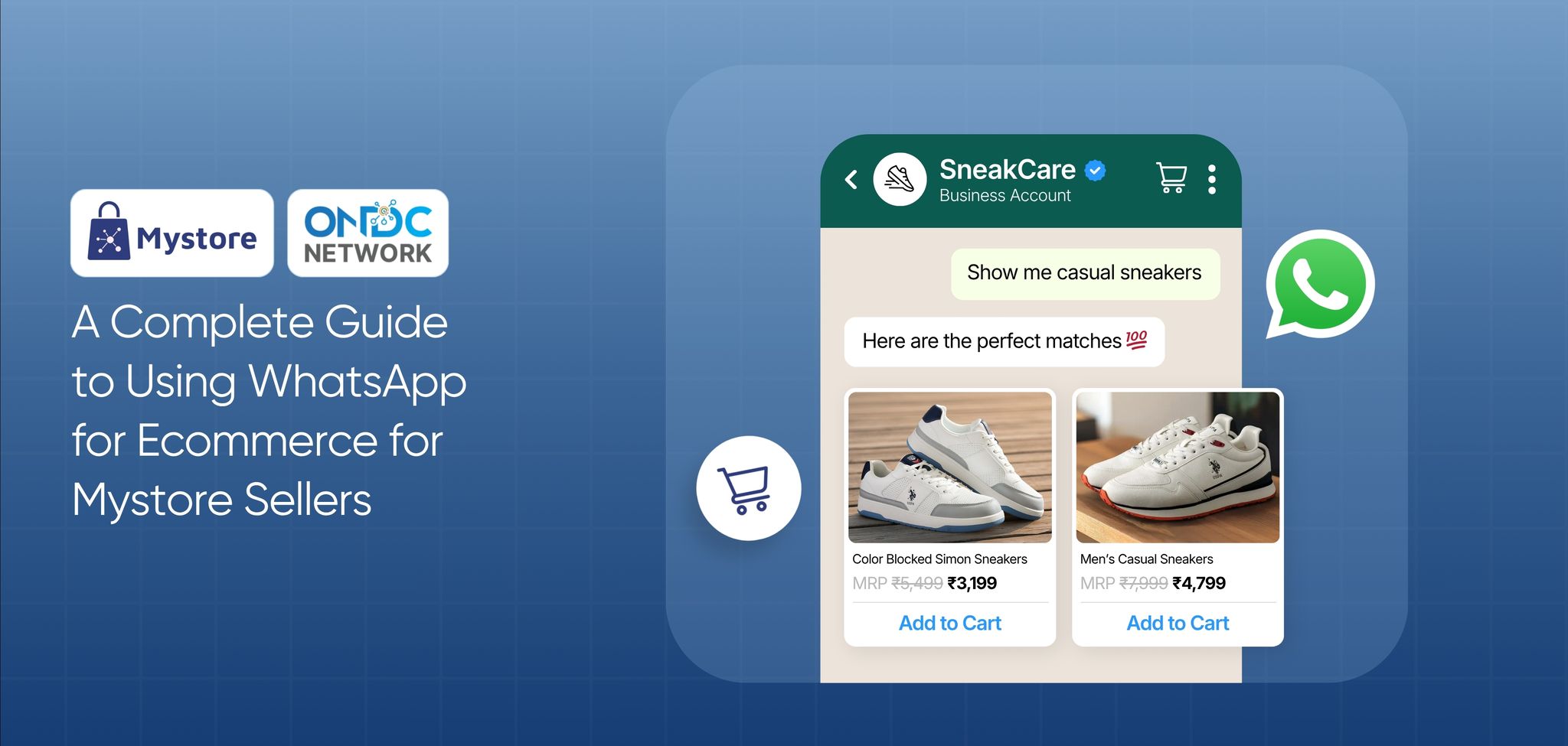
Key Takeaways
- WhatsApp for ecommerce helps Mystore sellers turn customer conversations into a structured WhatsApp sales channel.
- By connecting a WhatsApp Business Account with the Mystore Seller App, sellers can manage chats, orders, and customer updates from one place.
- Sellers can automate order confirmations, shipping updates, and delivery notifications to improve customer communication and save time.
- A WhatsApp ecommerce shop creates a smoother buying experience by helping customers browse, chat, and place orders directly through WhatsApp.
WhatsApp is where most of us are already hooked, checking messages, sharing updates, asking questions, and making quick decisions every day. Customers are no different. For many buyers, WhatsApp feels faster, simpler, and more personal than emails, websites, or support tickets.
That is why WhatsApp for ecommerce is becoming an important sales and engagement channel for online sellers.
To help sellers make the most of this opportunity, Mystore has launched WhatsApp Business for Sellers, a solution that enables them to connect with buyers, share products, send order updates, and manage customer communication through WhatsApp.
With Mystore’s WhatsApp for ecommerce solution, sellers can bring product discovery, customer engagement, and order communication closer to where buyers are already active. This helps reduce friction, improve response speed, and create a smoother buying experience through a channel customers already trust.
Table of Contents
How WhatsApp Sales Channel Is Transforming Ecommerce Growth for Modern Sellers
Gone are the days when people used WhatsApp only for personal conversations. Today, they are equally engaged in connecting with brands, discovering products, and shopping directly through WhatsApp. They also expect their favourite brands to have a WhatsApp sales channel and offer quick responses, personalised recommendations, and a seamless buying experience within the chat itself.
Let’s look at some data-driven insights highlighting the growing opportunities offered by WhatsApp for commerce :
WhatsApp Commerce: Key Growth Insights
- 72% of product discovery now happens on WhatsApp
- 60% of shoppers purchase after seeing WhatsApp offers
- 61% higher ROAS through Click-to-WhatsApp campaigns
- 62% more leads through WhatsApp Business campaigns
- 22% higher order values through WhatsApp Business Messaging
Source Meta
These numbers highlight a major shift in how customers discover and buy products. Instead of moving through multiple platforms, shoppers increasingly prefer quick conversations that help them find products, get answers, and complete purchases in the same place.
For businesses, this creates an opportunity to turn WhatsApp into more than a communication channel. It can become a complete ecommerce touchpoint where customers can browse catalogues, ask product-related questions, receive personalised recommendations, track orders, and complete transactions without leaving the conversation.
With customers increasingly discovering and buying products through WhatsApp, sellers need the right tools and features to manage these interactions at scale. This is where a Mystore’s integrated WhatsApp sales channel can help businesses simplify selling and deliver better customer experiences.
How Mystore Sellers Can Turn WhatsApp Into a Powerful Sales Channel
WhatsApp is no longer just a messaging app for casual conversations. For Mystore sellers, it has become a powerful sales channel that brings customer engagement, product discovery, and order communication together in one simple chat experience.
By connecting their WhatsApp Business Account (WABA) with the Mystore Seller App, sellers can manage customer interactions, share product information, send automated updates, and guide buyers through the purchase journey directly on WhatsApp.
Instead of moving customers across multiple platforms, sellers can create faster, more personalised shopping experiences where customers can:
- Browse products
- Open your online store directly from WhatsApp
- Ask product-related questions
- Place orders
- Receive real-time order updates and notifications
All within the same conversation flow.
This simplifies the buying journey for customers while helping sellers improve engagement, reduce response delays, and convert conversations into sales more efficiently.
With Mystore’s WhatsApp integration, sellers can:
- Talk to customers directly on WhatsApp using their connected WhatsApp Business Account
- Share store links with customers easily during ongoing WhatsApp conversations
- Let customers open the online store directly from WhatsApp with a single tap
- Send automatic order updates and notifications to customers in real time
- Use ready-made and editable WhatsApp templates for faster communication
- Manage customer chats, message templates, and activity from one place
- Enable in-chat checkout with payment links, UPI, cards, and COD options
- Create shipments, print labels, and manage fulfilment from one dashboard
- Route customer conversations and collaborate through a shared team inbox
- Set up the official WhatsApp Business API with a verified business profile (green tick)
- Track message delivery, read status, and customer engagement easily
- Respond faster with predefined replies and automated messaging workflows
- Keep conversation history organised for smoother follow-ups with customers
- Make the buying journey simpler by reducing extra steps between enquiry and checkout
- Stay connected with customers through regular updates and order communication
- Save time by automating repetitive customer messaging tasks
How Sellers Can Connect Their WhatsApp Business Account with Mystore
Connecting your WhatsApp Business Account with Mystore is a simple process that helps you manage customer communication and order updates from one place.
Let’s understand how it works step by step:
Step 1: Connect Your WhatsApp Business Account
To get started, you have to connect your WhatsApp Business Account (WABA) with the Mystore Seller App.
This helps you create an official business presence on WhatsApp and manage customer communication more professionally.
The setup can be completed in a few steps as below:
- Log in to the Mystore Seller App
- Connect your WhatsApp Business Account
- Add and verify your phone number
- Complete your business profile
Once connected, your WhatsApp sales channel is ready to handle customer conversations and order-related communication smoothly.
Step 2: Start Customer Communication on WhatsApp
After setup, you can start managing customer conversations directly through WhatsApp.
You can:
- Reply to customer questions
- Share product catalog and store links
- Help customers place orders
- Send support messages
- Share order-related updates
Instead of switching between multiple apps, everything stays connected in one workflow through Mystore. This helps you respond faster and manage customer communication more easily.
Step 3: Use WhatsApp Message Templates
As your business grows, maintaining consistency in communication becomes essential. Sending the same updates repeatedly can take time.
With Mystore, you can use ready-to-send WhatsApp message templates to make communication faster and more consistent.
With Mystore, you can:
- Sync WhatsApp-approved templates
- Send pre-defined customer messages
- Maintain professional communication
- Reduce repetitive manual work
These templates are commonly used for order confirmations, shipping updates, and delivery notifications. This is especially useful for scaling your WhatsApp ecommerce shop, as it ensures timely, professional communication with every customer while allowing you to handle higher volumes without added effort.
Step 4: Track Customer Engagement
Mystore also helps sellers track how customers interact with their WhatsApp messages. Instead of guessing whether a customer has seen an update, sellers can view message status directly from the system.
You can track:
- Sent messages
- Delivered messages
- Read status
This gives better visibility into customer engagement and helps sellers improve communication and follow-ups when needed.
Step 5: Automate Notifications and Order Updates
Managing order updates manually for every customer can take a lot of time, especially as order volumes increase. With the Mystore Seller App, sellers can automate important WhatsApp notifications and keep customers informed without extra effort.
Using the Mystore Seller App, you can automatically send:
- Order confirmations
- Shipping updates
- Delivery notifications
- Create shipments and print labels
- Manage order fulfilment from one dashboard
Step 6: Manage Orders and Customer Chats from One Dashboard
As customer conversations and orders grow, managing everything from multiple places can become difficult. Mystore helps sellers manage WhatsApp chats, orders, and fulfilment activities from one unified dashboard.
With Mystore WhatsApp sales channel you can :
- Manage customer conversations from one place
- Route chats through a shared team inbox
- Track orders and fulfilment status easily
This reduces manual work, improves communication consistency, and creates a smoother shopping experience for customers using your WhatsApp sales channel.
Benefits of Integrating WhatsApp Business Account with Mystore
Let’s look at how connecting your WhatsApp Business Account with Mystore helps sellers manage customer communication and sales more smoothly :
1. Faster Customer Responses
Customers often reach out with quick queries like product availability, pricing, or delivery timelines. By connecting your WhatsApp Business account with Mystore, you can respond to these queries instantly from a connected system instead of handling them separately. This reduces response time, improves customer confidence, and increases the chances of converting enquiries into actual orders.
2. Automated Customer Updates
Sending order updates manually for every customer can take a lot of time. With WhatsApp integration, Mystore automatically sends important notifications like order confirmations, shipping updates, and delivery alerts.
Customers stay informed throughout the buying journey without needing to follow up repeatedly, while sellers save time and effort.
3. Reduced Communication Gaps
When customer chats and order details are managed separately, sellers can easily miss updates, delay responses, or share incomplete or outdated information.
By connecting WhatsApp Business with Mystore, customer conversations are linked with relevant orders, helping sellers respond with the right details at the right time and reduce confusion in customer communication.
4. Easier Communication Management
Managing chats, order updates, and customer queries across different tools can make daily selling unnecessarily time-consuming.
With the Mystore Seller App, sellers can handle WhatsApp conversations, order-related communication, and customer follow-ups from one place, making it easier to stay organised and manage multiple conversations efficiently.
5. Improved Customer Relationships
WhatsApp offers a more personal and direct way to connect with customers. Receiving timely updates and quick responses on a familiar platform builds trust and reliability. Over time, this strengthens customer relationships, encourages repeat purchases, and creates a smoother, more satisfying buying experience.
Real Example: How a Seller Uses WhatsApp with Mystore
Imagine you sell handmade jewellery through your online store using the Mystore Seller App.
A customer discovers your products on Instagram and messages you on WhatsApp to ask if a bracelet is available in another colour.
You instantly reply with product photos, pricing, and a direct link to your WhatsApp ecommerce shop. After a quick conversation, the customer places the order right away.
Once the order is confirmed, your WhatsApp Business Account automatically sends:
- Order confirmation
- Shipping updates
- Delivery notifications
The customer gets timely updates without needing to ask, and you manage the entire buying journey from one place.
That’s how WhatsApp for ecommerce helps Mystore sellers turn simple customer chats into a smooth and reliable WhatsApp sales channel.
Conclusion
WhatsApp for ecommerce helps Mystore sellers turn everyday customer conversations into a faster and more organised sales experience. By connecting a WhatsApp Business Account with the Mystore Seller App, sellers can manage chats, automate order updates, respond faster, and keep customers engaged from enquiry to delivery.
Instead of managing communication and orders separately, everything works together in one smooth workflow. This not only saves time but also improves customer experience and helps drive more repeat purchases.
As more buyers prefer shopping through chat, WhatsApp is becoming an important sales channel for online businesses.
Connect your WhatsApp Business Account with Mystore and start turning conversations into sales.
FAQs
1. Can I use WhatsApp for ecommerce without creating a separate online store? Yes, sellers can use WhatsApp as an additional sales channel by connecting it with Mystore. It helps businesses bring product discovery, customer conversations, and order management closer to buyers who prefer shopping through chat.
2. Is WhatsApp sales channels suitable for small sellers as well as growing businesses?
Yes, a WhatsApp sales channel is suitable for both small sellers and growing businesses because it helps them connect with customers directly, showcase products, manage conversations, and handle orders through a familiar platform. Small sellers can use it to build customer relationships, while growing businesses can use automation and organised workflows to manage higher volumes efficiently.
3. Can customers discover my products through WhatsApp without visiting my website first?
Yes, with Mystore’s WhatsApp catalog, customers can explore products and interact with sellers directly through WhatsApp, making product discovery easier within the conversation.
4. How does WhatsApp help sellers improve customer retention?
WhatsApp helps sellers improve customer retention by enabling faster responses, timely updates, and personalised conversations on a platform customers already use regularly. By staying connected through order updates, product communication, and follow-ups, sellers can build trust, improve customer satisfaction, and encourage repeat purchases.
5. What types of businesses can benefit from a WhatsApp sales channel?
Businesses of all sizes, including small sellers, retailers, D2C and B2C brands, and hyperlocal sellers, etc, can benefit from a WhatsApp sales channel. It helps them connect with customers, share products, answer queries, manage orders, and create a smoother buying experience through direct conversations.