


 Contact Us
 Appliances
 Agri Inputs
 Auto Components & Accessories
 Beauty & Personal Care
 Electronics
 Fashion
 Grocery
 Gift Cards
 Home & kitchen
 Health & Wellness
 Vehicles & Automotives
 Books & Stationary
 Pet Care
 Toys & Games
How Amazon Sellers Can Move to Mystore in 7 Easy Steps
ONDC Network for Enterprises
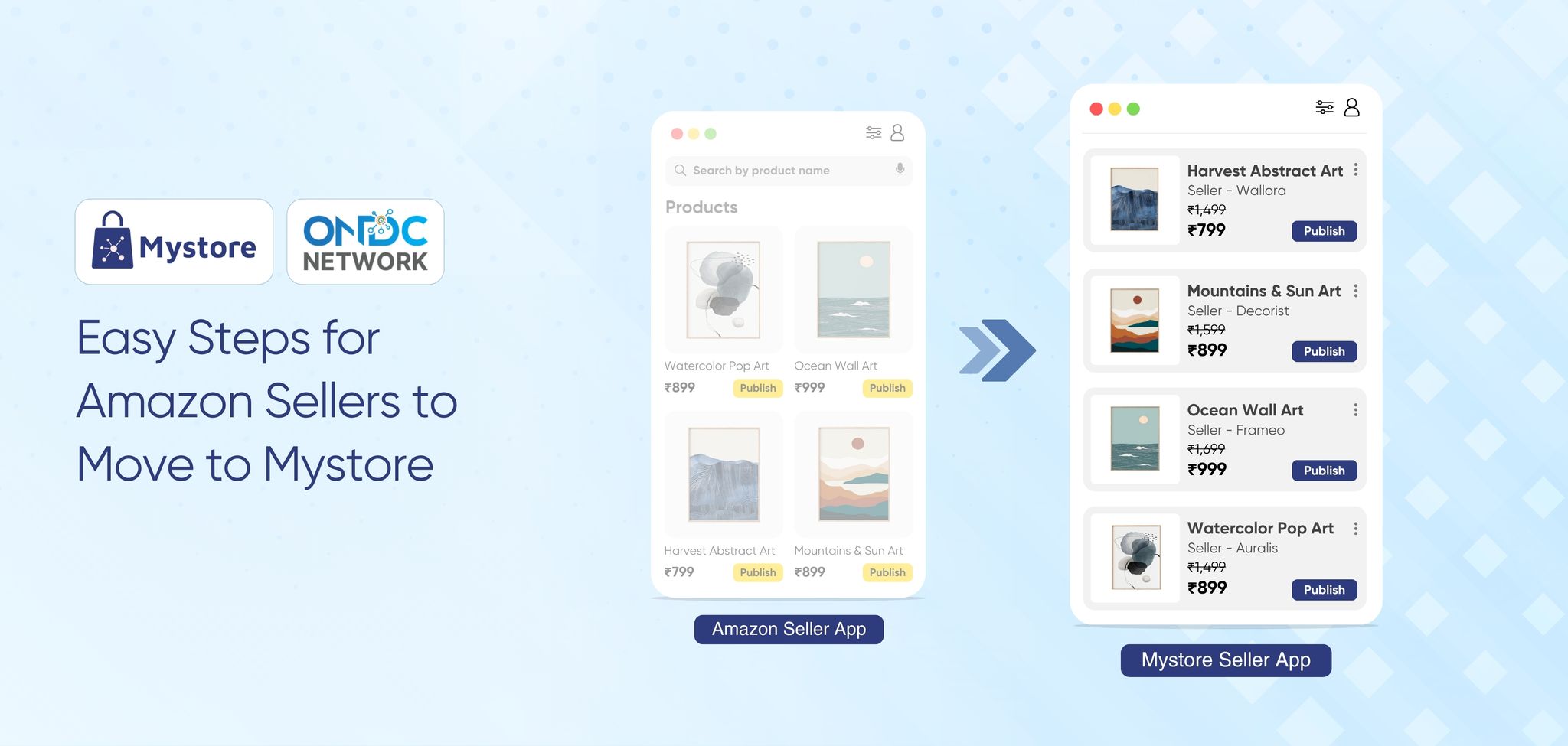
For years, sellers in India have relied on Amazon to grow their online presence. However, as competition intensifies and commission structures evolve, many Amazon sellers are looking for smarter, more sustainable ways to scale. That’s where Mystore enterprise solution MystoreNEXT steps in, a fully integrated ecommerce ecosystem that empowers Amazon sellers to manage, grow, and control their business operations seamlessly across channels.
Moving from Amazon to Mystore isn’t about leaving the Amazon platform, it’s about upgrading to a more powerful, customisable, and enterprise-ready solution. Mystore fully integrated ecommerce ecosystem gives Amazon sellers a unified dashboard to manage orders, inventory, and customer data while expanding their digital presence beyond a single marketplace.
If you’ve been wondering how to make the shift, this detailed guide will walk you through 7 simple steps to move your Amazon store to Mystore and unlock long-term growth.
Table of Contents
Why Amazon Sellers Should Move to Mystore Fully Integrated Ecommerce Ecosystem
Here are the top reasons for Amazon sellers to choose Mystore enterprise ecommerce solutions:
1. Own Brand Presence and Control
Selling only on Amazon limits how your brand is perceived. Mystore enterprise solution MystoreNEXT gives you the freedom to build your own branded online store with a custom domain name, something Amazon doesn’t offer.
You can design your storefront, connect your domain, and develop your brand identity independently of third-party marketplaces. More importantly, you have full control over pricing, product descriptions, discounts, and returns.
With Mystore for Amazon sellers, every aspect of your business operations, from catalogue management to customer engagement, is under your control. It’s your store, your brand, and your rules.
2. Lower Commission
One of the biggest reasons Amazon sellers are choosing to pull their catalogues to Mystore is cost efficiency. While Amazon typically charges higher commission fees, Mystore offers a transparent and seller-friendly structure with commissions ranging between 6%–8%.
This significant reduction directly impacts your bottom line, allowing you to reinvest in marketing, inventory, and customer experience. Plus, there are no hidden platform fees or long-term lock-ins, making Mystore one of the most profitable enterprise ecommerce solutions available today.
3. ONDC Network Connectivity
Mystore is directly connected to the ONDC Network, allowing Amazon sellers to showcase their products to a much wider audience, especially those who are price-conscious and need better deals than Amazon.
By listing your store on Mystore, your products automatically become visible across multiple ONDC Network buyer apps, boosting visibility and discoverability.
4. Own Mobile Apps
In today’s mobile-first ecommerce landscape, Mystore’s built-in mobile app builder empowers Amazon sellers to create fully branded Android and iOS apps without coding or technical expertise.
Your branded apps come with real-time product and inventory synchronisation, push notifications, and seamless checkout experiences, ensuring your customers enjoy fast, personalised, and secure shopping.
This feature helps you build a loyal customer base, increase repeat purchases, and strengthen your brand presence beyond traditional marketplaces. It’s another example of how Mystore for Amazon sellers combines technology and flexibility to deliver powerful enterprise ecommerce solutions.
5. Integrated Logistics
Logistics can make or break your ecommerce business, and Mystore enterprise ecommerce solutions simplify it with its integrated logistics ecosystem.
With on-network logistics partners, sellers can access real-time shipping rates, optimise fulfilment costs, and offer faster delivery times. Mystore also enables real-time order tracking, automated shipping label generation, and smart courier selection for maximum efficiency.
For Amazon sellers, this means no dependency on a single logistics network. You can choose the most affordable or fastest shipping provider for each order, ensuring cost optimisation and superior delivery experiences every time. With access to 40+ on-network logistics partners, sellers can view real-time shipping rates, optimise fulfilment costs, and ensure faster, more reliable deliveries.
Plus, Mystore supports seamless integration with your preferred off-network shipping providers, allowing you to switch between networks effortlessly for consistent, on-time delivery.
6. AI-Powered Tools
Mystore enterprise solution MystoreNEXT, equips Amazon sellers with intelligent AI tools to simplify and optimise operations. Mystore's AI-powered cataloging automatically generates accurate and SEO-rich product titles and descriptions from images, streamlining product onboarding. The AI image enhancer, Magic Edit, polishes your product visuals for a clean, professional look that drives more clicks and conversions.
With AI semantic search, buyers get intent-based results instantly, while AI recommendations personalise the shopping experience by suggesting relevant products. Additionally, Mystore Genie, the AI chat interface, assists customers in real time, improving product discovery and driving faster purchase decisions.
7. Diverse Business Models
Unlike traditional marketplaces, Mystore's fully integrated ecommerce ecosystem is natively built for multiple business models, including B2B, D2C, B2B2C, and hybrid setups.
This flexibility allows Amazon sellers to expand into new verticals or manage multiple business models within a single platform. Whether you’re selling directly to consumers, to retailers, or both, Mystore ecommerce ecosystem ensures smooth operations, easy price segmentation, and customizable catalogues.
Such versatility makes it one of the most adaptive and future-ready enterprise ecommerce solutions in India’s digital commerce landscape.
8. Marketing Tools and Integration
Marketing plays a vital role in scaling your ecommerce business, and Mystore enterprise solution MystoreNEXT ensures you have everything you need right out of the box. Sellers can create branded storefronts, use clickable digital catalogues, QR codes, and discount engines, run loyalty programs, and leverage social selling across platforms like Instagram and Facebook.
The AI-powered chatbot, Mystore Genie, improves customer interactions, while integrations with your preferred CRM, ERP, logistics, and other software provide a seamless, connected workflow that keeps your marketing, sales, and operations perfectly in sync. Together, these features help sellers attract, engage, and retain customers efficiently.
How Amazon Sellers Can Move to Mystore in 7 Simple Steps
Moving to Mystore is simple and quick. The integration is powered by APIs that allow Amazon sellers to seamlessly sync their catalogue, orders, and inventory with Mystore's admin dashboard.
Let’s walk through the 7 easy steps to set up your Amazon channel integration.
Step 1: Register on Mystore
Begin your journey by registering on the Mystore Seller Portal. Provide your email ID, bank account details, GSTIN, and any required business licenses (for large enterprises).
Once your registration is complete, log in to your MystoreSeller Account. The platform’s user-friendly interface will take you to your dashboard, where all your store management tools are neatly organised.
Mystore fully integrated ecommerce ecosystem enables you to oversee everything from catalogue management to analytics.
Pro Tip: This step is crucial for Amazon sellers because it sets the foundation for a unified multi-channel experience. Once registered, you can manage all your online stores from one centralised panel.
Step 2: Access the “Channels” Section
After logging in, navigate to the left-hand side of your Mystore dashboard and click on “Channels.”
This section is your gateway to connecting different ecommerce platforms. Mystore ecommerce ecosystem allows you to integrate popular channels like Amazon, WooCommerce, and Shopify, among others.
By linking these, you can manage product listings, prices, and stock levels across platforms with just a few clicks, a true enterprise ecommerce solution for modern sellers.
Step 3: Select Amazon as Your Channel
Now that you’re in the Channels section, it’s time to integrate your Amazon store.
Click on the Amazon logo from the available channel options. This action begins the integration process, enabling Mystore to communicate directly with your Amazon account.
This integration will allow your Amazon listings, inventory, and order data to be pulled directly into the Mystore dashboard, offering a real-time view of your business performance.
Step 4: Authorize Mystore to Access Your Amazon Store
Next, you’ll configure your channel settings.
Under Channel Settings, enter a Channel Name of your choice (for example, “Amazon India Store”). Then, click “Authorise.”
A new pop-up window will appear, asking you to sign in with your Amazon Seller Account credentials. Once signed in, grant Mystore permission to access your product listings, order data, and inventory details.
Click Confirm to finalise authorisation.
This step connects your Amazon backend with Mystore’s dashboard, allowing the platform to pull your catalogue, process orders, and keep stock levels in sync automatically.
Step 5: Import Your Amazon Products
Once authorisation is complete, toggle the “Import Products” button to ON.
This automatically imports your entire Amazon catalogue into Mystore. Within minutes, all your product listings, including titles, descriptions, prices, and stock information, are synced and displayed on the Mystore admin panel.
No need to manually upload SKUs or enter details one by one. Mystore for Amazon Sellers integration is designed to make migration effortless, saving time and ensuring accuracy across your channels.
Step 6: Add Channel and Verify Product Sync
After importing your products, click “Add Channel” to finalise the integration.
You’ll now be able to view your Channel Stats, which show the number of Amazon products successfully synced, and Channel Records, which track the migration status of each product.
Within a few minutes, your synchronised products will appear under Products → Published on your Mystore dashboard.
From here, you can review your product details, ensure prices are updated, and verify that inventory counts match your Amazon listings.
This step ensures complete alignment between your Amazon store and Mystore, providing a single source of truth for product data.
Step 7: Manage Orders, Inventory, and Fulfilment via Mystore
Once your Amazon channel is integrated, you can handle all future orders directly through Mystore’s centralised admin panel.
Here’s what you can do seamlessly:
- Manage new and existing orders across channels
- Automatically sync order statuses (Cancelled, Dispatched, Returned)
- Track shipping and logistics in real time
- Generate invoices and manage billing
- Utilise catalogue pull, order pull, and inventory push features for smooth operations
Essentially, Mystore enterprise solution MystoreNEXT acts as your command center, helping Amazon sellers streamline every process from listing to delivery.
Mystore fully integrated ecommerce ecosystem gives you the flexibility to scale without operational headaches. Whether you’re fulfilling hundreds or thousands of orders, automation keeps your workflow efficient and error-free.
Conclusion
As ecommerce evolves, Amazon sellers need more than just a marketplace presence, they need a fully integrated ecommerce ecosystem that gives them control, visibility, and scalability. That’s exactly what Mystore for Amazon Sellers delivers.
By following these 7 simple steps, you can easily sync your Amazon store to Mystore and experience the benefits of unified channel management, real-time inventory sync, and multi-channel presence.
Whether you’re managing an emerging ecommerce brand or a well-established large-scale retail operation, Mystore enterprise ecommerce solutions are designed to simplify operations and fuel long-term growth.
Ready to unlock the full potential of your brand on Amazon?
Book a demo with Mystore's enterprise solution MystoreNEXT, today.