


 Contact Us
 Appliances
 Agri Inputs
 Auto Components & Accessories
 Beauty & Personal Care
 Electronics
 Fashion
 Grocery
 Gift Cards
 Home & kitchen
 Health & Wellness
 Vehicles & Automotives
 Books & Stationary
 Pet Care
 Toys & Games
Add Products Using Barcode Scanner (GTIN Codes)
Mystore allows you to quickly add products by scanning their barcode using GTIN codes or searching the public catalog.. This method helps reduce manual entry and ensures accurate product information.
Steps to Add a Product
Follow these simple steps below to add products using Barcode Scanner:
1. Go to Products
- Navigate to the Products section from the left-side menu.
2. Click “Add New”
- On the top right, click the Add New button.
- Select Search Public Catalog.
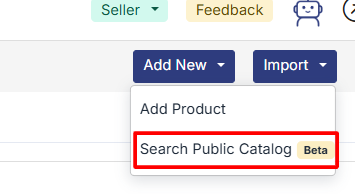
3. Search or Scan
- Use the search bar to look up products by name, brand, or GTIN.

- Or, click the Scan icon and scan the product's barcode using your camera or scanner.

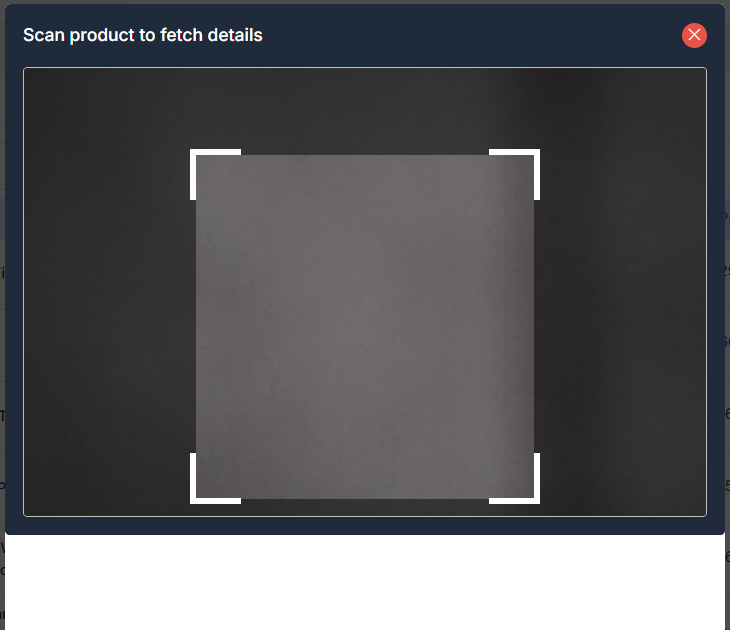
4. Add the Product
- Once the correct product appears, click the Submit button.
This will add the product to your catalog.
Tip: Make sure your product has a valid GTIN (EAN/UPC/ISBN) to use the scan feature effectively.