

MystoreMystore® is an ONDC connected marketplace built in India for Indian sellers. Mystore is the first ONDC network participant to connect as a Buyer and Seller NP.  You can register as a seller on Mystore and upload your catalogue. You will have a dedicated Seller page (digi-catalog) along with a Unique QR Code for your page that you can market to your buyers. Your catalogue will also appear on the ONDC network through the Mystore Buyer App and other buyer apps catering to related product domains. Mystore provides a comprehensive seller dashboard to manage your products, orders, and payouts. Mystore also facilitates seamless online shopping across categories with its Mystore Buyer App.https://www.mystore.in/s/62ea2c599d1398fa16dbae0a/66defda954ce55002beebf8c/mystore-logo-480x480.png
9th Floor, Tower A, Spaze iTech Park, Sector 49122018Gurgaon DivisionIN
Mystore
9th Floor, Tower A, Spaze iTech Park, Sector 49Gurgaon Division, IN
+918010412412https://www.mystore.in/s/62ea2c599d1398fa16dbae0a/66defda954ce55002beebf8c/mystore-logo-480x480.png"[email protected]
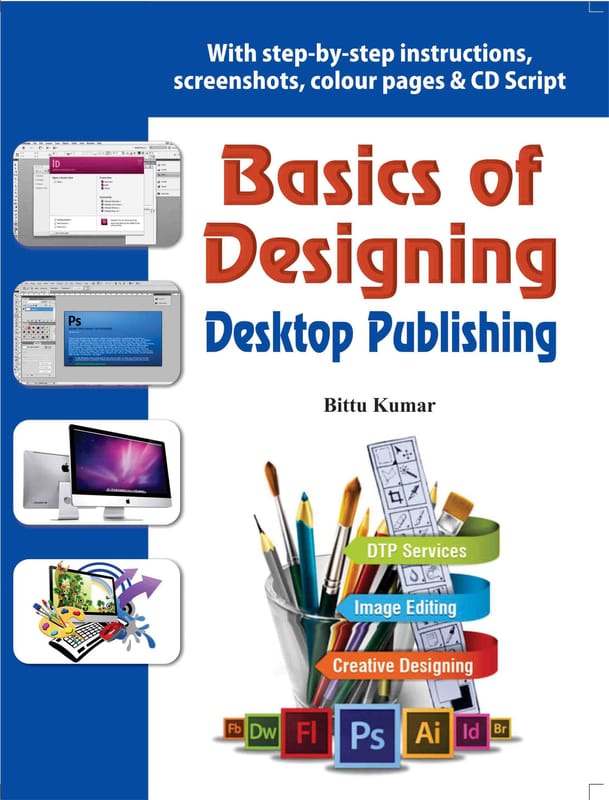
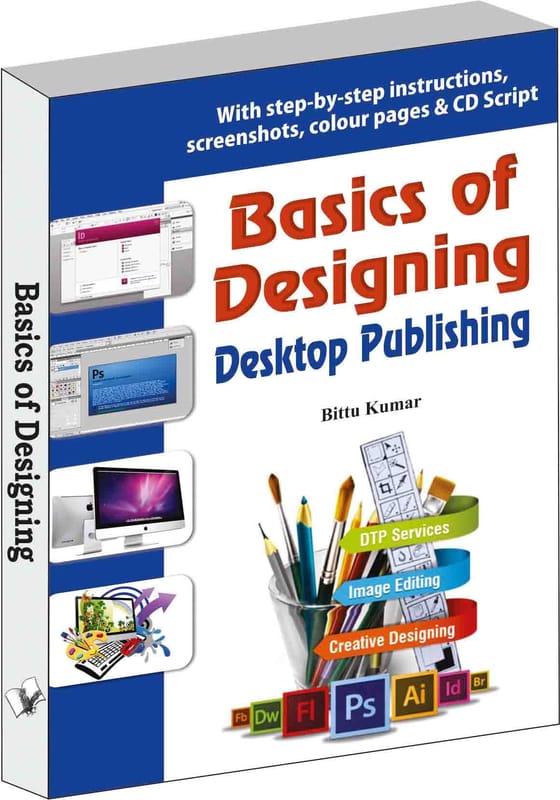
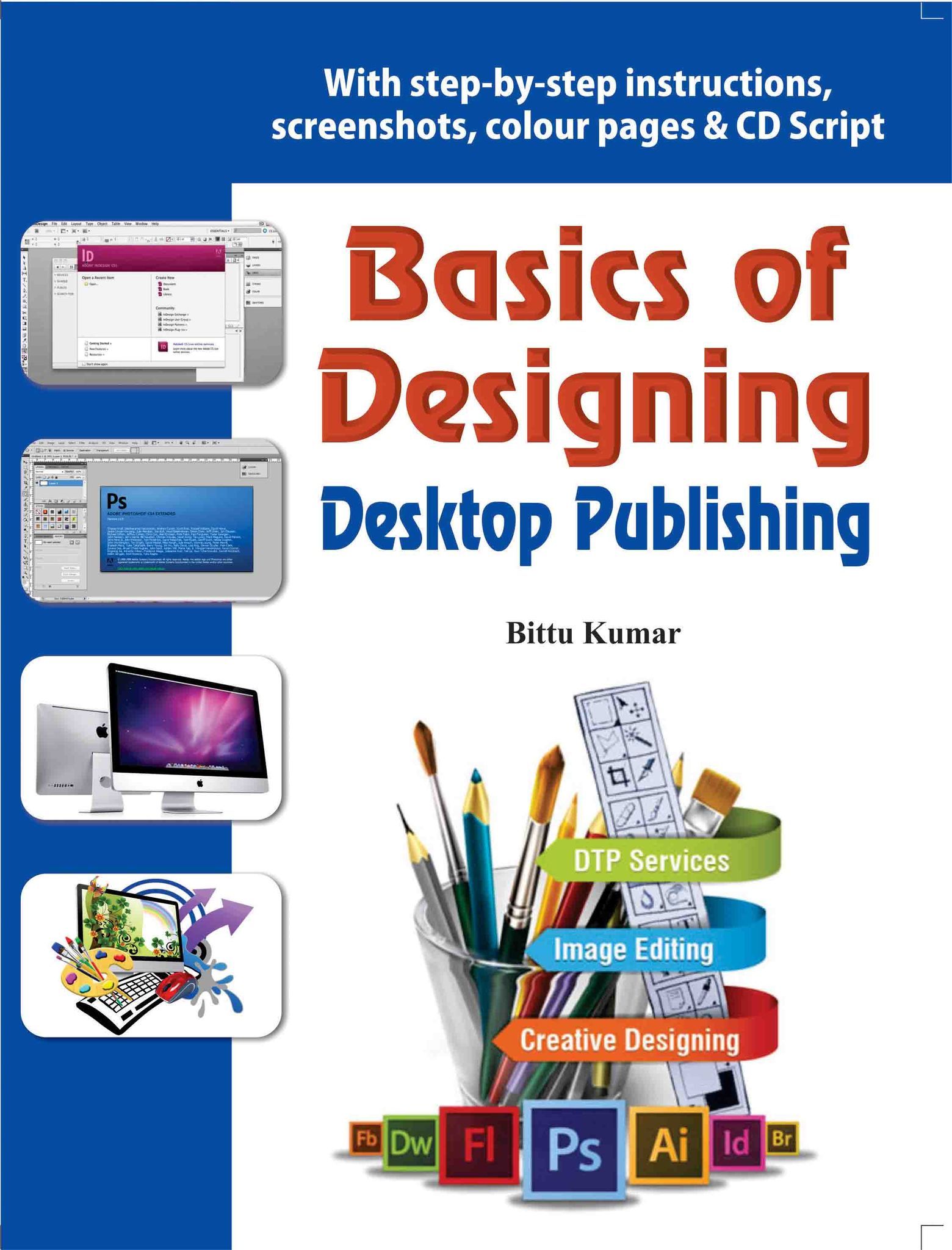
6697c1af8bb8447a914e4f8bBasics of Designing - Desktop Publishing

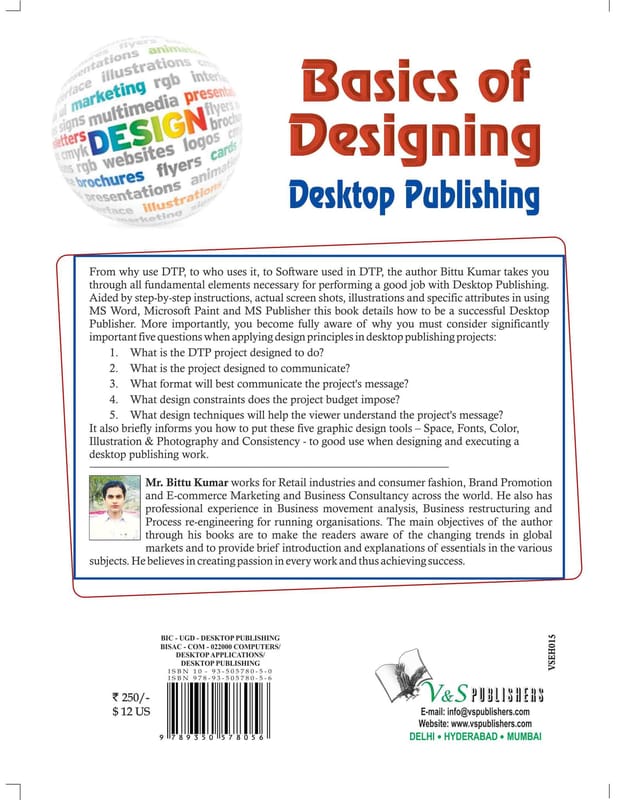
From why use DTP, to who uses it, to Software used in DTP, the author Bittu Kumar takes you through all fundamental elements necessary for performing a good job with Desktop Publishing. Aided by step-by-step instructions, actual screen shots, illustrations and specific attributes in using MS Word, Microsoft Paint and MS Publisher this book details how to be a successful Desktop Publisher. More importantly, you become fully aware of why you must consider significantly important five questions when applying design principles in desktop publishing projects:
1. What is the DTP project designed to do?
2. What is the project designed to communicate?
3. What format will best communicate the project's message?
4. What design constraints does the project budget impose?
5. What design techniques will help the viewer understand the project's message?
It also briefly informs you how to put these five graphic design tools – Space, Fonts, Color, Illustration & Photography and Consistency - to good use when designing and executing a desktop publishing work. CONTENTS: 1. Introduction a) What is DTP? b) Why Desktop Publishing? c) Who Uses Desktop Publishing? d) Look Beyond Desktop Publishing e) Softwares Used in DTP f) Conclusion 2. Design Basics a) Elements Of Design b) Design Principles c) Design Stages: From Concept to Completi d) Working with the Client e) The Designing Process f) Typography g) Character and Line Spacing h) Categories of Type i) Using Type in Print Media j) Using Type for Electronic Media k) Installing Fonts l) Imagery m) Saving Graphic File Formats n) Understanding the Importance of Colour o) Creating Colours on the Computer p) ction Items Overview 3. DTP using MS Word Introductio a) Getting to Know Word 2010 b) Using Indents and Tabs c) Text Boxes and WordArt d) Formatting Pictures e) SmartArt Graphics 4. DTP using Microsoft Paint a) Launch Microsoft Paint b) Microsoft Paint: Tools c) MS Paint: Menus 5. MS Publisher Introduction a) Getting to Know Publisher 2010 b) Introduction to the Publisher 2010 Environment c) Producing a Publication d) Conclusion

VSDE015
INR296In Stock
9.79E+12

From why use DTP, to who uses it, to Software used in DTP, the author Bittu Kumar takes you through all fundamental elements necessary for performing a good job with Desktop Publishing. Aided by step-by-step instructions, actual screen shots, i...

Read More


Key Attributes

Country of originIndia
BrandV&S Publishers
Colourblack
Net Quantity1 unit
Manufacturer or packer nameV&S Publishers
View full attributes

From why use DTP, to who uses it, to Software used in DTP, the author Bittu Kumar takes you through all fundamental elements necessary for performing a good job with Desktop Publishing. Aided by step-by-step instructions, actual screen shots, illustrations and specific attributes in using MS Word, Microsoft Paint and MS Publisher this book details how to be a successful Desktop Publisher. More importantly, you become fully aware of why you must consider significantly important five questions when applying design principles in desktop publishing projects:
1. What is the DTP project designed to do?
2. What is the project designed to communicate?
3. What format will best communicate the project's message?
4. What design constraints does the project budget impose?
5. What design techniques will help the viewer understand the project's message?
It also briefly informs you how to put these five graphic design tools – Space, Fonts, Color, Illustration & Photography and Consistency - to good use when designing and executing a desktop publishing work. CONTENTS: 1. Introduction a) What is DTP? b) Why Desktop Publishing? c) Who Uses Desktop Publishing? d) Look Beyond Desktop Publishing e) Softwares Used in DTP f) Conclusion 2. Design Basics a) Elements Of Design b) Design Principles c) Design Stages: From Concept to Completi d) Working with the Client e) The Designing Process f) Typography g) Character and Line Spacing h) Categories of Type i) Using Type in Print Media j) Using Type for Electronic Media k) Installing Fonts l) Imagery m) Saving Graphic File Formats n) Understanding the Importance of Colour o) Creating Colours on the Computer p) ction Items Overview 3. DTP using MS Word Introductio a) Getting to Know Word 2010 b) Using Indents and Tabs c) Text Boxes and WordArt d) Formatting Pictures e) SmartArt Graphics 4. DTP using Microsoft Paint a) Launch Microsoft Paint b) Microsoft Paint: Tools c) MS Paint: Menus 5. MS Publisher Introduction a) Getting to Know Publisher 2010 b) Introduction to the Publisher 2010 Environment c) Producing a Publication d) Conclusion

Country of originIndia
BrandV&S Publishers
Materialcellulose
Colourblack
Common nameBooks
Net Quantity1 unit
Manufacturer or packer nameV&S Publishers
Manufacturer or packer addressV&S Publishers F-2/16 Ansari Road, Darya Ganj New Delhi - 110097
Manufacturing Date9/1/2017
ISBN9.79E+12
contact details consumer careV&S Publishers , [email protected]