


 Contact Us
 Appliances
 Agri Inputs
 Auto Components & Accessories
 Beauty & Personal Care
 Electronics
 Fashion
 Grocery
 Gift Cards
 Home & kitchen
 Health & Wellness
 Vehicles & Automotives
 Books & Stationary
 Pet Care
 Toys & Games
A Complete Guide for Amazon Sellers to Launch Their Own Store with Mystore
ONDC Network for Enterprises
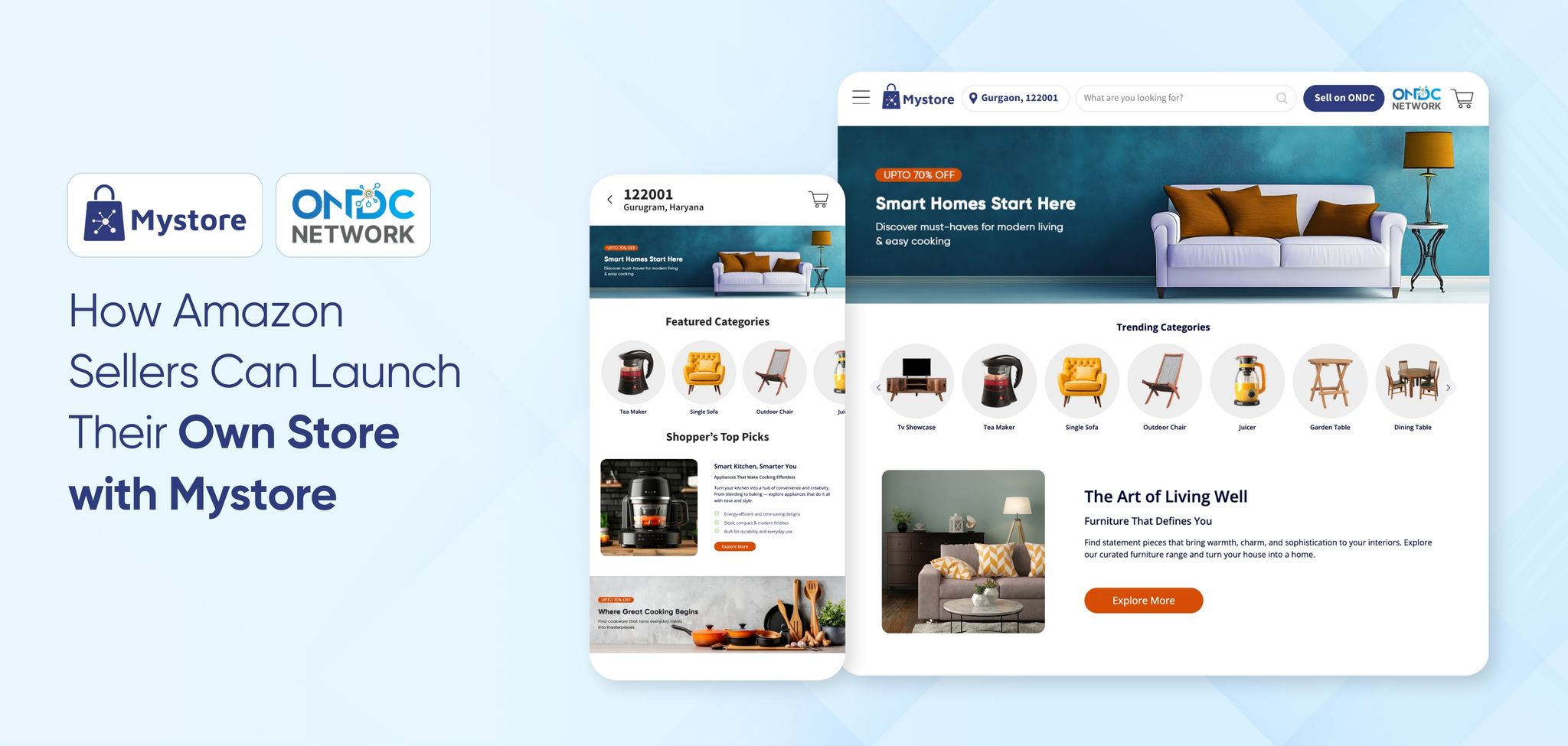
Are you running your online business on Amazon?
It works well in the beginning. But as your business grows, an important question comes up: Is relying only on Amazon enough for long-term growth?
Many sellers soon face the same challenges: rising commissions, heavy price competition, limited control over branding, and no access to customer data.
So, what’s the next move?
Building your own online store.
Your own store gives you control over pricing, branding, and customer relationships, without being dependent on marketplace rules.
That’s where MystoreNEXT, Mystore’s enterprise ecommerce solution, comes in. It comes with ready-to-use features and tools to help you launch and manage your own store smoothly. From catalogue and inventory management to payments, logistics, and analytics, everything runs on one fully integrated system.
In this guide, we’ll explain why Amazon sellers should build their own store, how Mystore simplifies the process, and how it helps you grow beyond Amazon in a more stable and scalable way.
Table of Contents
- Why Amazon Sellers Should Have Their Own Online Store
- How Mystore Fully Integrated Ecommerce Ecosystem Empowers Amazon Sellers
- 1. Complete Brand Ownership and Control
- 2. Lower and Transparent Commission Structure Lower Commission
- 3. Wider Reach Through ONDC Network Connectivity
- 4. Branded Mobile Apps for Direct Customer Engagement
- 5. On Network Logistics for Flexible Fulfilment
- 6. AI-Powered Tools to Reduce Manual Effort
- 7. Multi-Model Business Support
- 8. Built-In Marketing Tools and Seamless Integrations
- A Step-by-Step Process to Build Your Own Store with Mystore
- Conclusion
Why Amazon Sellers Should Have Their Own Online Store
Amazon helps sellers get started quickly. It offers instant reach, built-in traffic, and early momentum. But as your business grows, the limitations become hard to ignore. Relying only on a marketplace can restrict long-term growth and brand control.
Here’s why Amazon sellers should consider having their own online store for sustainable success:
1. Build a Direct Brand Identity
On Amazon, products are often remembered as marketplace purchases rather than brand purchases. With their own store, Amazon sellers can put their brand front and centre, creating a stronger identity and recall beyond a product listing.
2. Control Pricing and Margins
Marketplace algorithms decide visibility, discounts, and pricing pressure. With their own store, powered by enterprise ecommerce solutions, they can control promotions and pricing strategies. You also reduce dependency on marketplace commissions and FBA (Fulfilment by Amazon) costs, helping protect your margins.
3. Own Your Customer Data
Amazon limits access to customer information. With their own store, Amazon sellers gain access to customers' data. This allows you to run targeted marketing, improvecustomer retention, and increase customer lifetime value over time.
4. Reduce Dependency Risks
Policy changes, account issues, or listing restrictions can impact sales instantly. Having a own store alongside Amazon creates a safer, more stable business setup for businesses looking to reduce platform dependency.
5. Create a Consistent Brand Experience
Having an own online store enables businesses to control look, feel, and communication across every touchpoint. From homepage to checkout, they can tell your brand story clearly, something that isn’t possible on a marketplace listing.
Building your own online store isn’t about moving from Amazon. It’s about creating a stronger, more balanced ecommerce foundation that supports long-term growth.
How Mystore Fully Integrated Ecommerce Ecosystem Empowers Amazon Sellers
Mystore fully integrated ecommerce ecosystem is a next-gen enterprise ecommerce solution built to help brands sell, manage, and grow across multiple channels from one unified platform.
For Amazon sellers, it’s the next step towards brand independence. You can easily move your catalogue, launch your own store, and manage daily operations from one place, without juggling separate tools for catalogue management, logistics, payments, or analytics.
Here are the top reasons why Amazon sellers choose Mystore enterprise ecommerce solutions: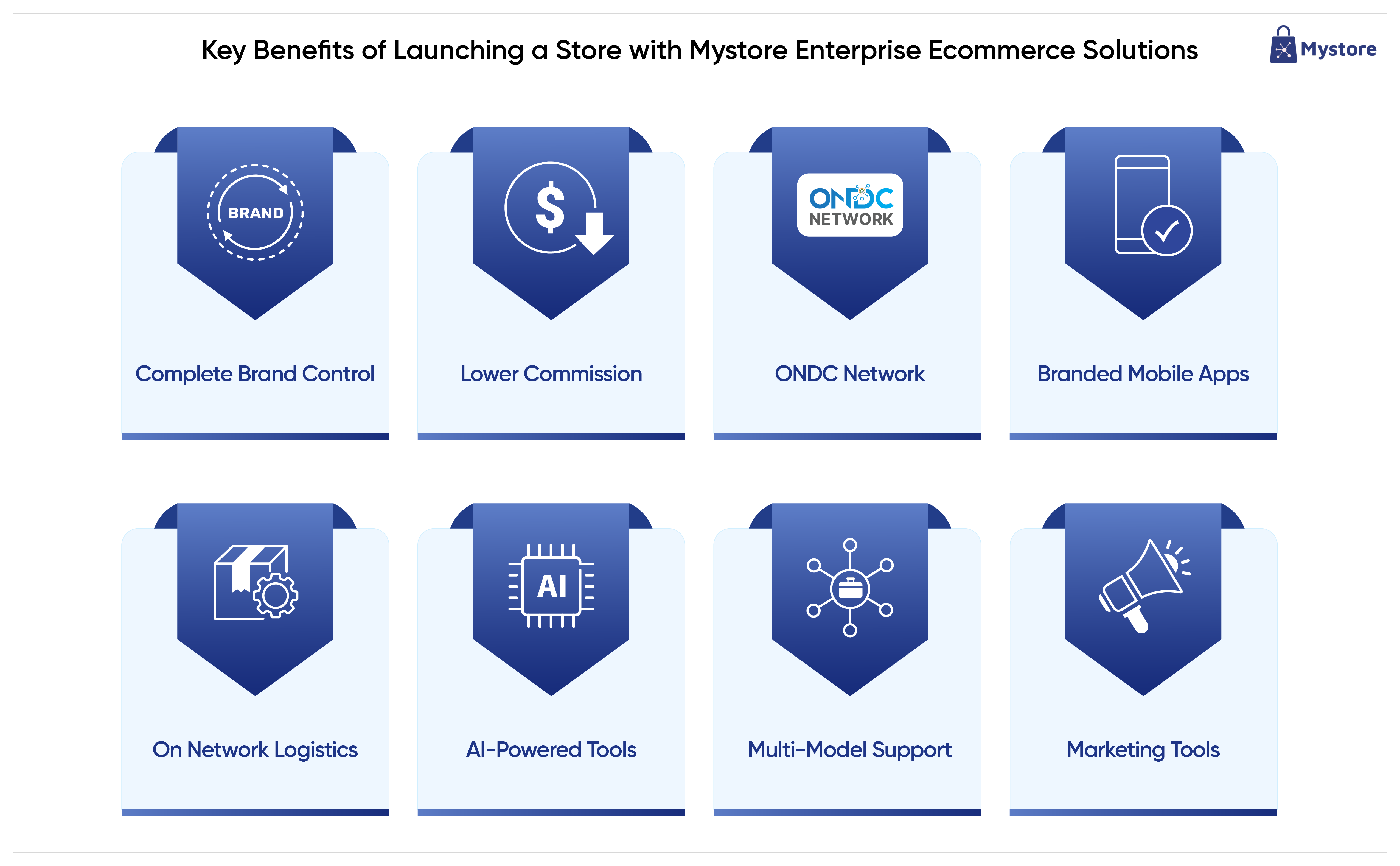
1. Complete Brand Ownership and Control
Complete brand ownership is one of the biggest reasons sellers move to Mystore. Selling only on Amazon limits how your brand is presented to customers. With Mystore fully integrated ecommerce ecosystem, sellers can launch a fully branded online store with their own domain name, control storefront design, manage product content, and decide pricing, discounts, and policies on their own terms.
2. Lower and Transparent Commission Structure Lower Commission
Lower and transparent commissions make Mystore a cost-efficient alternative to marketplace-only selling. Instead of high and unpredictable marketplace fees, Amazon sellers run with a fraction of commission, helping protect margins and improve profitability as volumes grow.
3. Wider Reach Through ONDC Network Connectivity
Through direct ONDC Network connectivity, Mystore helps sellers expand their reach beyond closed marketplaces. Once listed, products become visible across multiple ONDC network-connected buyer apps, improving discoverability and access to a wider customer base.
4. Branded Mobile Apps for Direct Customer Engagement
Mystore comes with built in mobile app builder that enables enterprises to build Android and iOS mobile apps, allowing sellers to launch their own Android and iOS apps without coding and with no technical complexity. These apps stay synced with real-time inventory and products, support push notifications, and offer a smooth checkout experience that encourages repeat purchases.
5. On Network Logistics for Flexible Fulfilment
Efficient logistics simplifies order fulfilment. Sellers can choose from multiple on-network logistics partners, compare real-time shipping rates, automate label generation, track orders, and also integrate preferred off-network logistics partners when needed. This flexibility helps balance delivery speed and cost efficiency.
6. AI-Powered Tools to Reduce Manual Effort
Mystore is an AI-powered ecommerce ecosystem which offered built in AI tools and features to reduce manual effort across everyday tasks. Sellers can create engaging product title descriptions just by uploading product images, enhance visuals with Magic Edit, offer intent-based search and personalised recommendations, and assist buyers in real time using Mystore Genie.
7. Multi-Model Business Support
Mystore fully integrated ecommerce ecosystem is built to support multiple business models. Whether a seller operates in D2C, B2B, B2B2C, or a hybrid setup, Mystore enables brands to run various business models from the same backend access.
8. Built-In Marketing Tools and Seamless Integrations
Mystore comes with built-in marketing tools and integrations capabilities. Sellers can run discounts, loyalty programs, social selling campaigns, use digital catalogues and QR codes, and integrate seamlessly with existing CRM, ERP, logistics, and other business software.
A Step-by-Step Process to Build Your Own Store with Mystore
Building your own online store with Mystore is simple and built for speed and scale. Whether you’re launching a D2C brand, running a B2C business, pivoting to B2B2C or hybrid business model,, Mystore’s fully integrated ecommerce ecosystem helps you go live without technical complexity.
With ready-to-use tools for catalogue management, orders, payments, logistics, etc., Mystore supports multiple business models from a single platform. Let’s walk through the step-by-step process to set up your store and start selling with confidence.
Step 1: Sign Up on Mystore
Start by registering on the Mystore platform using your business email ID. During sign-up, you’ll provide essential details such as GSTIN, bank account information, and business credentials (if applicable). Once registered, log in to your Mystore dashboard.
The intuitive dashboard gives you immediate access to all store-building tools, from catalogue and order management to analytics and integrations, so you can begin setting up without delay.
Pro Tip: One Mystore account lets you manage your entire ecommerce operation from a single, centralised interface.
Step 2: Set Up Your Store Basics
After logging in, configure your store essentials. Add your store name, logo, brand details, and contact information. You can also define your business type, selling regions, and preferred fulfilment model at this stage.
These settings form the foundation of your store and ensure a consistent brand experience across web and mobile touchpoints.
Step 3: Create or Import Your Product Catalogue
Next, move to catalogue management. You can either add products manually or import them in bulk using CSV files or existing integrations. Mystore allows you to manage product titles, descriptions, pricing, variants, images, and inventory from one place.
Once added, your products are instantly organised and ready for publishing, no repetitive data entry required.
Step 4: Configure Payments, Shipping, and Taxes
Now, set up payment gateways, shipping rules, and tax configurations. Mystore supports multiple payment options and flexible shipping logic, helping you align checkout and fulfilment with your business model.
This step ensures that your store is transaction-ready and compliant before going live.
Step 5: Customise Your Storefront
With the backend ready, personalise your storefront. Choose from responsive themes, customise layouts, and optimise your store for mobile-first buyers. You can preview changes in real time to ensure a seamless customer experience across devices.
Your store is now visually aligned with your brand and optimised for conversions.
Step 6: Preview and Publish Your Store
Before launch, review your entire setup, products, pricing, checkout flow, and policies. Once verified, publish your store with a single click. Your online store is now live and accessible to customers.
Step 7: Manage Orders, Inventory, and Growth from One Dashboard
After launch, manage everything from Mystore’s centralised admin panel. Track orders, update inventory, manage fulfilment, generate invoices, and analyse performance, all in real time.
Mystore’s enterprise-ready ecommerce ecosystem is built to support scale, allowing you to grow without operational bottlenecks.
Conclusion
Every successful business evolves, and for Amazon sellers, evolution means stepping beyond marketplace dependency.
By launching your own store with MystoreNEXT, you gain not just a website but a complete enterprise ecommerce solution that powers cataloguing, logistics, analytics, and omnichannel selling.
It’s your brand, your data, and your profit, all within your control.
If you’ve built momentum on Amazon, now’s the time to expand it.
Take ownership, go direct, and grow confidently with MystoreNEXT’s fully integrated ecommerce ecosystem, the future-ready platform built for modern sellers.
Book your personalised demo today.